Monthly & annual budgeting
How to Build an Annual Budget (and Actually Use It All Year)
A monthly budget tells you whether this month worked. An annual budget tells you whether the year is working, which is a different question with a different answer. Plenty of households have eleven fine months and one that undoes them, usually the one with the car repair, the holiday and the insurance renewal in it. You cannot see that coming from inside a month. You can see it from the year.
Here is how to build one that stays useful past January.
The year grid, in three layers
Picture a grid: twelve columns for months, a row for each category, and three layers you can flip between.
- Plan. What you intend to spend, or expect to earn, in each cell. Most rows are the same number twelve times; a few rows carry the spikes: insurance in November, holidays in July, school costs in August and January.
- Actual. What the ledger says happened. This layer fills in as the year goes by.
- Difference. Plan minus actual, cell by cell and for the year so far.
The grid is the whole budget. Every report is a view of it.
Fill the plan from the bottom up
Do not start with a target. Start with what you know:
- Bills you already pay go in first, in their real months. A quarterly bill lands in four cells; an annual one in one.
- Funds you are saving toward go in next, as the monthly contribution that reaches the target by its date.
- Everything else gets a category default: a single monthly number based on last year, or on three months of history if that is what you have.
Then, and only then, override individual cells where you know the default is wrong. December groceries are not October groceries. The manual override wins over the bill and fund automation, which wins over the category default. That order matters, because it means the grid stays mostly automatic and you only touch the cells that need touching.
Elapsed-month maths, or why the grid lies in March
The classic annual budget mistake: in March you look at the year-to-date and see spending is "under budget" by thousands, because you are comparing three months of actuals against twelve months of plan. The grid looks wonderful and it is meaningless.
Compare like with like. Three months elapsed means three months of plan. Under that maths the variance tells the truth, the savings rate is real, and a quarter card that says "Q1 came in 4% over" is something you can act on in April instead of discovering in December.
Track net worth, sparsely
Once a quarter, or whenever you feel like it, note the balance of each account and each debt. Not every month; sparse is fine. The grid carries the last known value forward until you enter a new one, so a debt you update in January and June still shows on the chart in between. Two years of these points is a trend line that a monthly budget cannot draw.
Close the month, freeze it
At the end of each month, close it: reconcile the accounts, tick a short checklist, write a line of reflection, and freeze. A frozen month does not change when you fix something in the next one. That is what makes the year-to-date trustworthy: it is built from twelve sealed months, not one editable blob.
Next year without starting over
In December, the plan for next year should be this year's actuals with the spikes moved and the numbers nudged. Not a blank grid. The year you just lived is the best forecast of the one you are about to, and rebuilding it from nothing throws that away.
Where the app comes in
The Annual Budget Tracker is this grid. Three layers, editable plan, ledger-driven actual and difference, with the manual override, bill and fund automation, and category-default resolution in that order; an annual dashboard with elapsed-month variance, savings rate and quarter cards; a full monthly workflow for income, bills, accounts, spending and recurring entries; sparse net-worth snapshots with independent carry-forward and a twenty-four-month trend; frozen month closes with a reconciliation checklist and reflection; a printable Year in Review; and next-year setup built from this year's numbers. It imports bank CSV with duplicate checks, runs offline, and exports Excel, CSV and a complete JSON backup.
Frequently asked questions
Should I budget the year or the month?
Both, in one place. The month is where spending happens; the year is where the spikes live. A grid with monthly columns gives you the month's detail and the year's shape without maintaining two budgets.
How accurate does the plan need to be in January?
Roughly right is fine. The plan is a forecast, and the difference layer is where you learn how your forecast is wrong. By mid-year you will know which rows to trust.
What is a good savings rate?
Whatever is higher than last year's. Fifteen to twenty percent of take-home is a common target, but the useful comparison is with your own previous year, measured with the same elapsed-month maths.
Keep reading
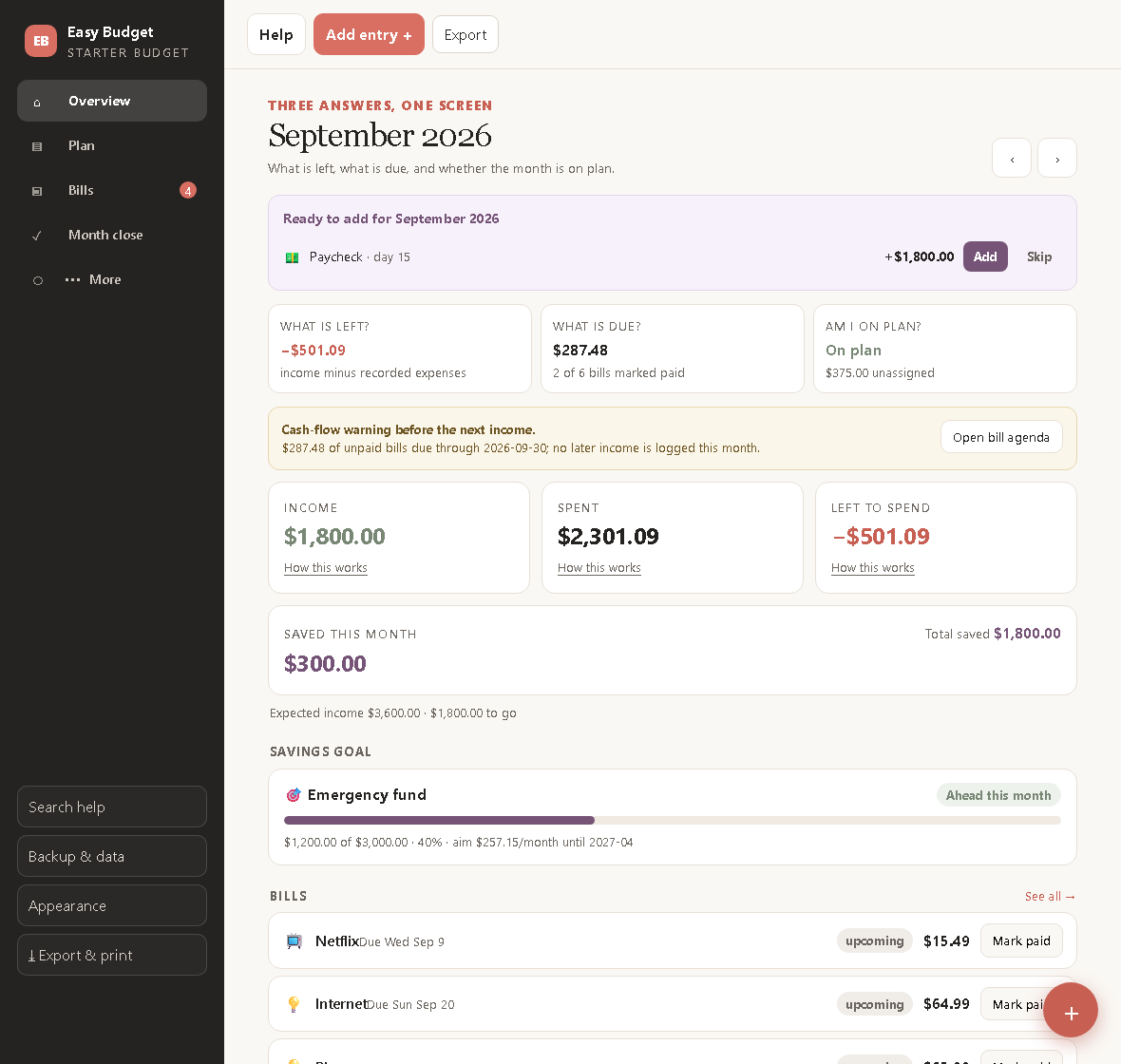
How to Make Your First Budget in Twenty Minutes
A beginner's budget with only three parts, bills, a plan and one goal, and the three questions it should answer every time you open it.
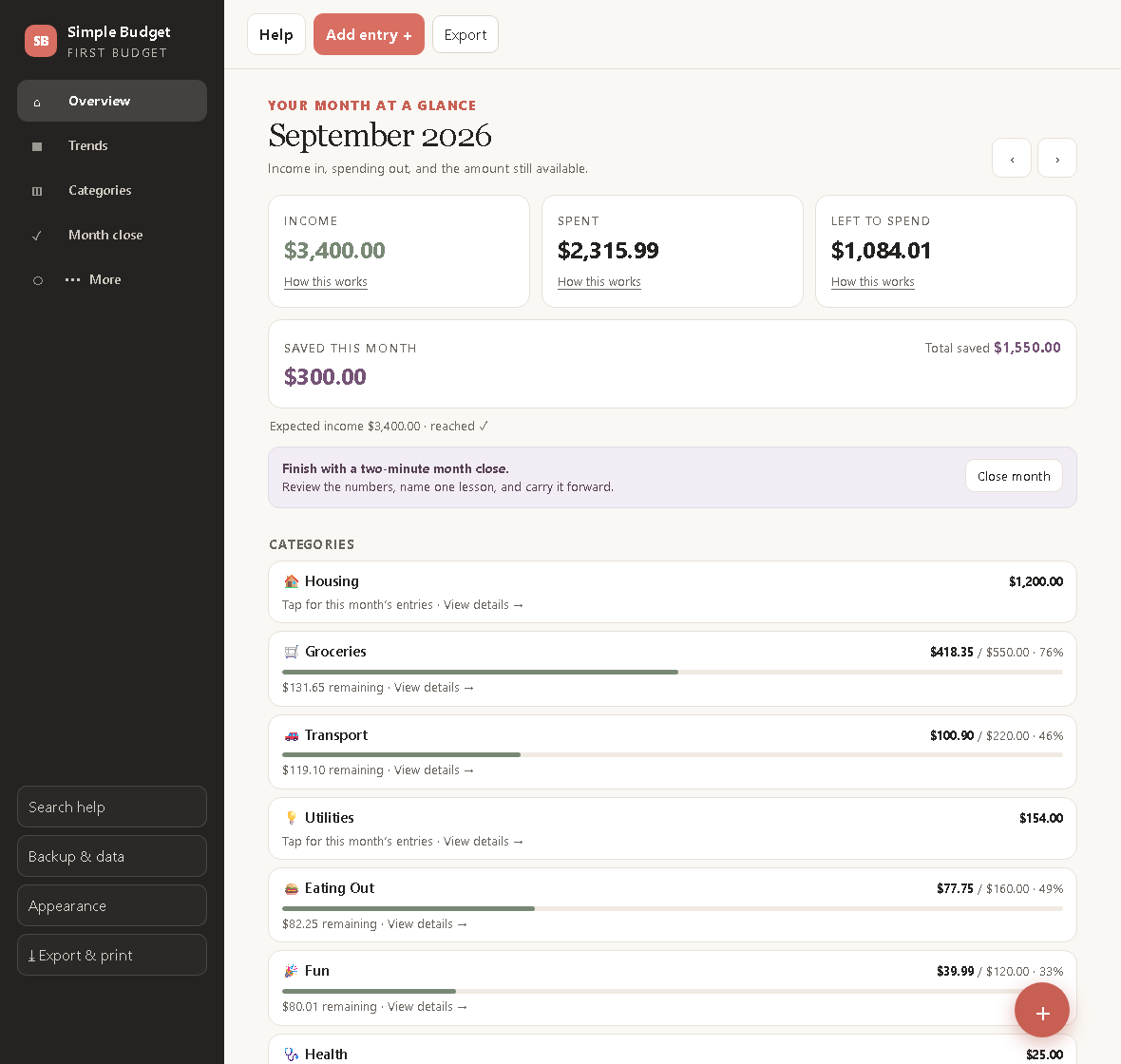
The Ten-Minute Budget: A Free, Simple Way to Start
A budget you can set up in ten minutes and keep in two minutes a month. Income, expenses, one savings line, and a close that takes less time than a coffee.
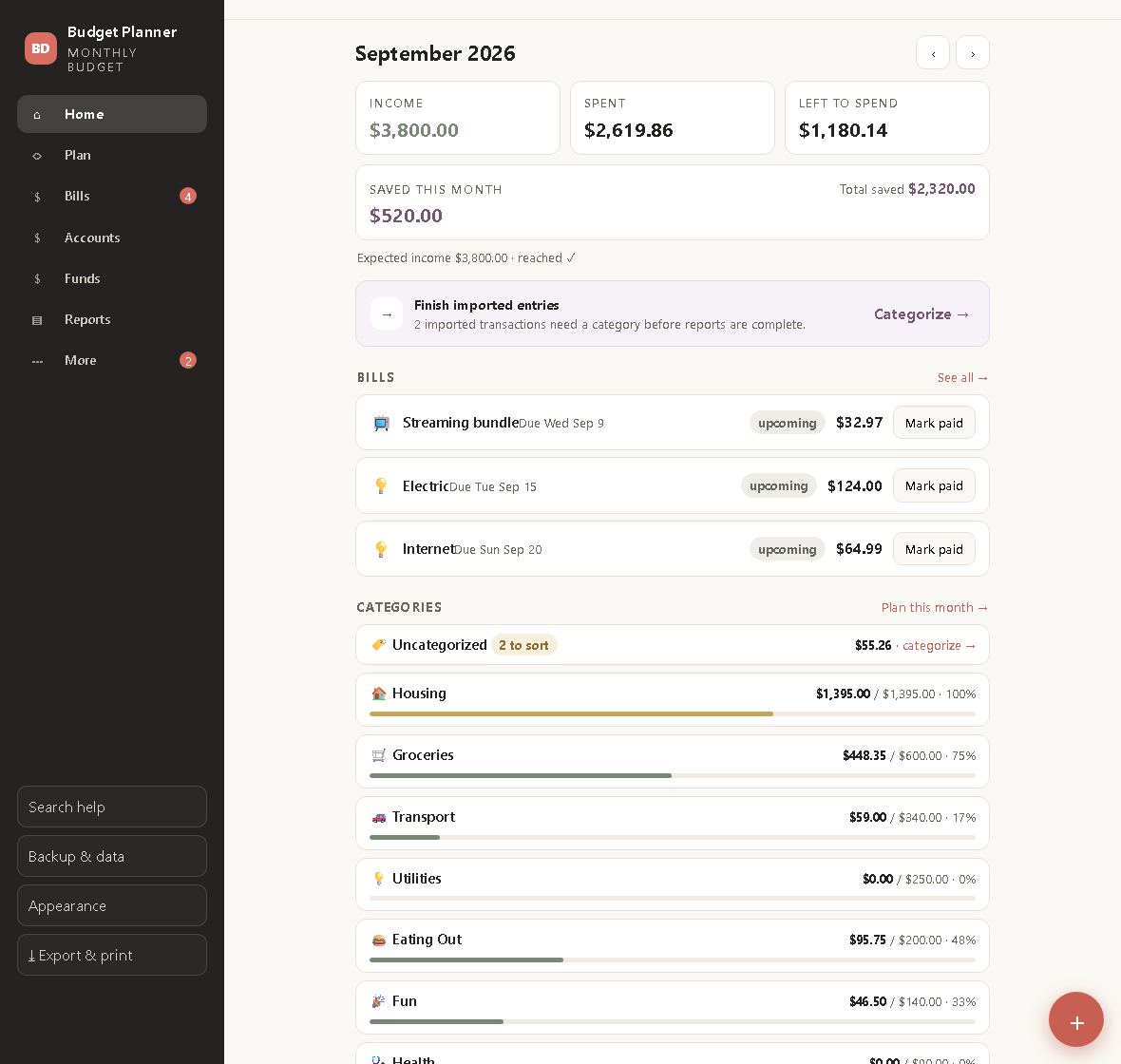
Reconcile Your Budget Every Month: The Habit That Makes Budgets Stick
Why a budget drifts from your bank balance, how to reconcile it in fifteen minutes, and how sinking funds keep annual bills from wrecking a month.