Monthly & annual budgeting
Reconcile Your Budget Every Month: The Habit That Makes Budgets Stick
A budget that says you have $640 left while the bank says $412 is a budget you will stop trusting by the end of the month. The gap is never one big mistake. It is a forgotten transfer, a subscription that renewed on a different date, a refund that came back to a different card, and a coffee that never got logged. Small things, compounding, until the number on the screen is a story rather than a fact.
Reconciliation is the fix, and it is much less work than it sounds.
What reconciling actually means
Once a month, you compare each account in the budget with the statement for that account and make them agree. Not roughly. To the cent. When the ending balance in the budget equals the ending balance on the statement, the month is reconciled, and every number derived from it, money left, category totals, savings rate, can be believed.
Bank apps do not do this for you. They show you what happened. Reconciling is checking that your plan's version of what happened matches, and fixing your plan where it does not.
The fifteen-minute version
- Pick one account. Checking first, then the card, then savings.
- Enter the statement's ending balance. This is the target.
- Tick off transactions that appear in both. In a good month that is nearly all of them.
- Deal with the leftovers. Something on the statement and not in the budget is a missed entry: add it. Something in the budget and not on the statement is either pending or a mistake: leave it if pending, fix it if not.
- Check the balance matches. If it does, mark the account reconciled and move on. If it does not, the difference is usually one transaction, and its amount tells you which.
The first month takes longer because it finds a year of drift. The second takes fifteen minutes. By the third it is boring, which is exactly what you want from bookkeeping.
Money moved is not money spent
The single biggest source of budget confusion is treating a transfer as an expense. Moving $300 from checking to savings is not spending $300; the money is still yours. A credit card payment is not spending either; the spending happened when you swiped, and the payment is just moving cash to cover it.
A budget that mixes these up will tell you the month was terrible when it was fine, or fine when it was terrible. Keep transfers and payments separate from expenses, and your reports will describe what you actually did with money rather than what your accounts did with each other.
Sinking funds: the annual bill's answer
Car insurance in November, the holiday in July, property tax in March. These are not surprises, they are known bills with annual dates, and a monthly budget treats them like ambushes because they do not fit inside a month.
A sinking fund is a named pot inside your savings that fills a little each month toward a specific bill. Insurance is $960 a year, so the insurance fund takes $80 a month, and when November arrives the money is already there, tagged and waiting. Run five or six of these and the months stop lurching. The savings account balance still looks like one number to the bank; the budget knows which parts of it are spoken for.
Bank import, with a dedupe
If you would rather not type transactions, most banks export a CSV. Importing it into the budget saves the typing but introduces a new risk: importing the same file twice, or overlapping exports, and doubling a month. An import that maps the bank's columns to yours, previews before committing, skips transactions it has already seen, and can undo the whole batch turns a chore into a two-minute job.
Where the app comes in
Budget Planner is built around exactly this discipline. Real account balances for checking, savings, cash and credit with exact transfers; statement reconciliation with optional report-safe balance adjustments; a searchable transaction register filtered by account, month and type; multiple sinking funds with targets, contribution plans and capped withdrawals; reports that separate money moved from money spent, with twelve-month category trends; and a bank CSV import that handles ten thousand rows with mapping, duplicate detection, progress feedback and full batch undo. It runs offline with no bank connection and no subscription.
Frequently asked questions
How often should I reconcile?
Monthly, when the statements arrive, is enough for most households. If you use several cards heavily, reconciling the busiest one every two weeks keeps the job short.
What if I cannot find the difference?
Look for a transaction that equals the difference, then for two that add up to it, then for one entered twice. If it is a few cents, a balance adjustment noted as such is acceptable; the point is to stop the drift, not to relive the month.
Do I need a sinking fund for everything?
Only for bills that are large and infrequent. Five or six funds cover most households: insurance, car maintenance, holidays, gifts, annual subscriptions, and a catch-all for the things you know are coming but cannot name yet.
Keep reading
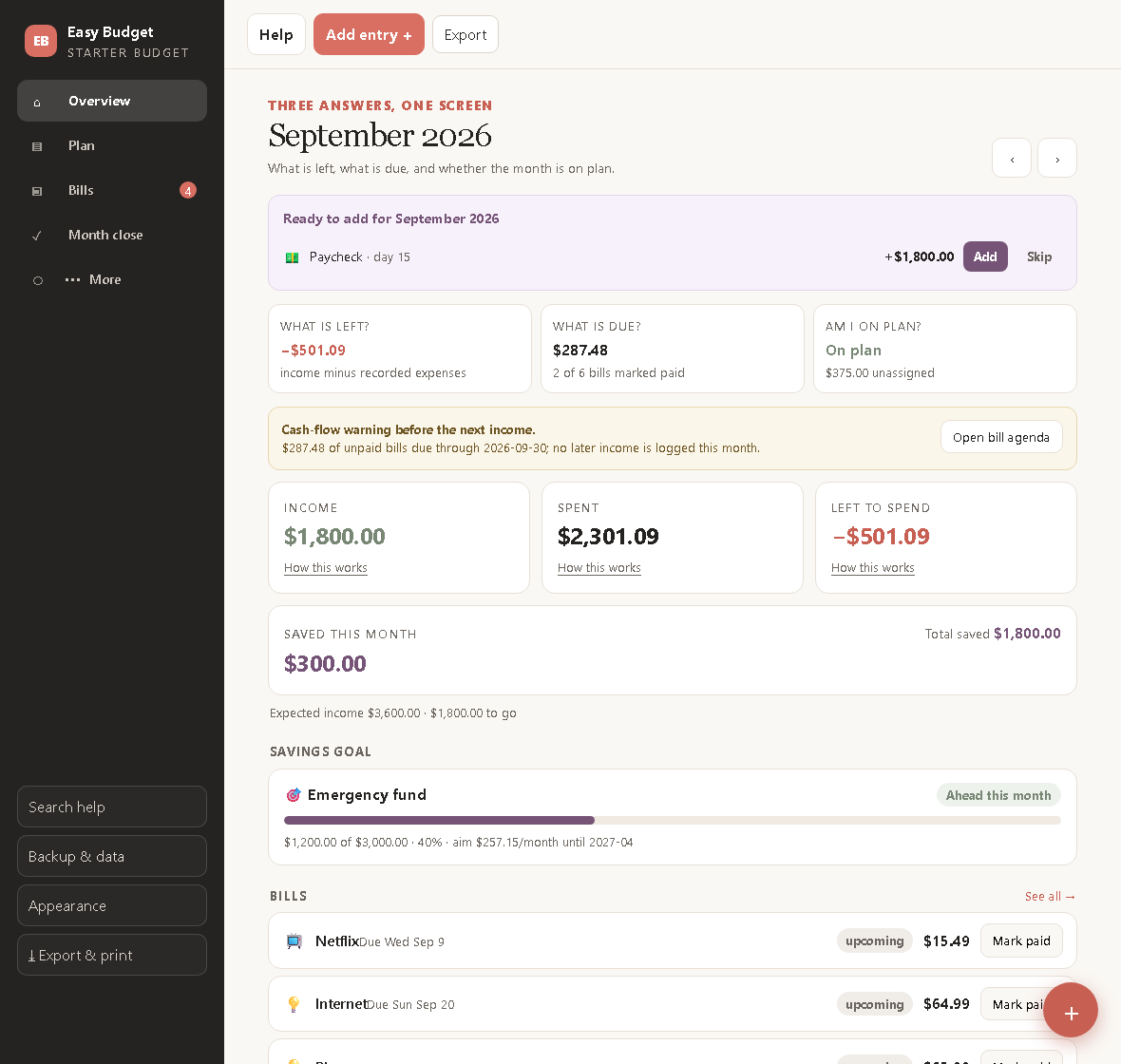
How to Make Your First Budget in Twenty Minutes
A beginner's budget with only three parts, bills, a plan and one goal, and the three questions it should answer every time you open it.
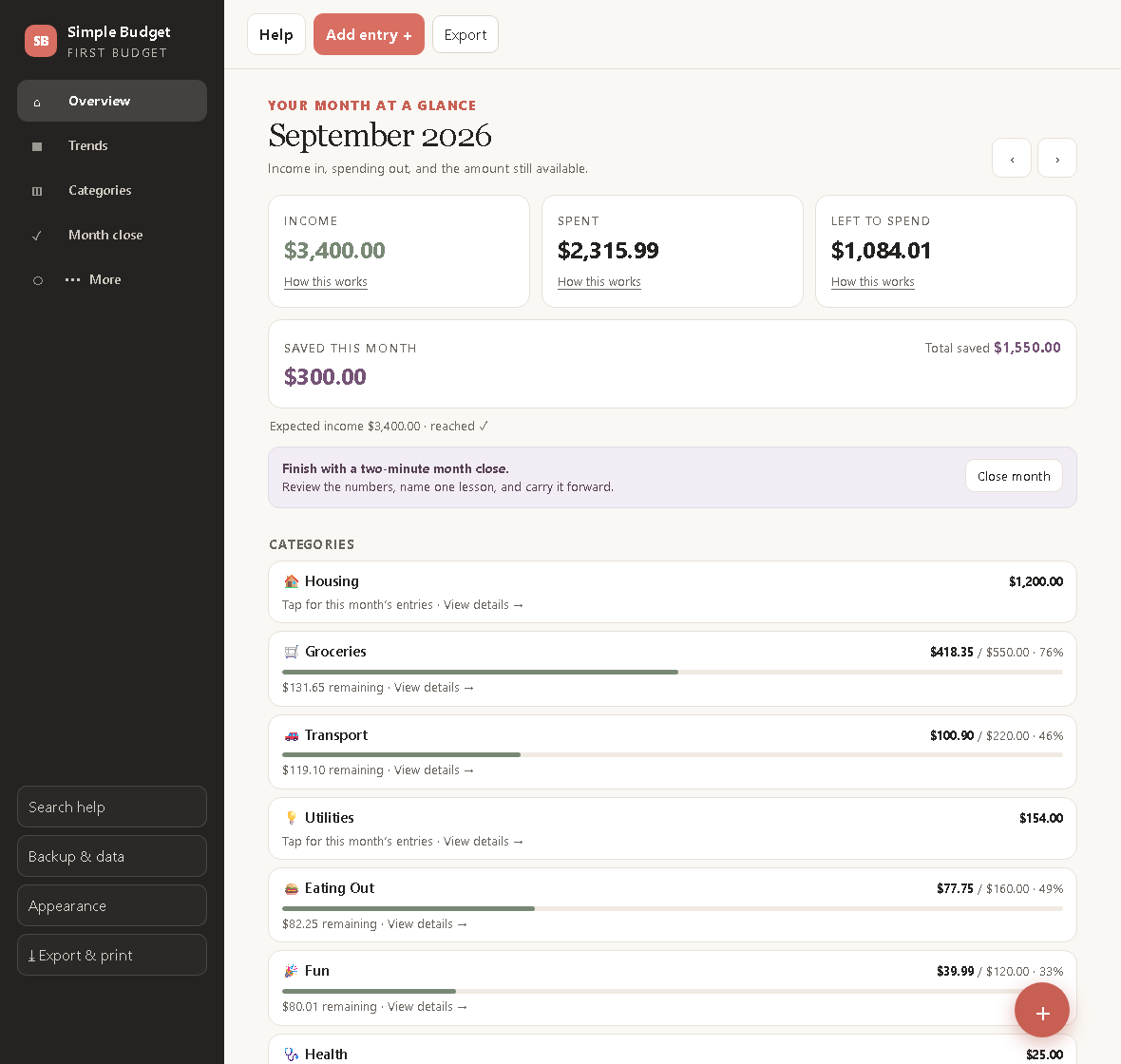
The Ten-Minute Budget: A Free, Simple Way to Start
A budget you can set up in ten minutes and keep in two minutes a month. Income, expenses, one savings line, and a close that takes less time than a coffee.
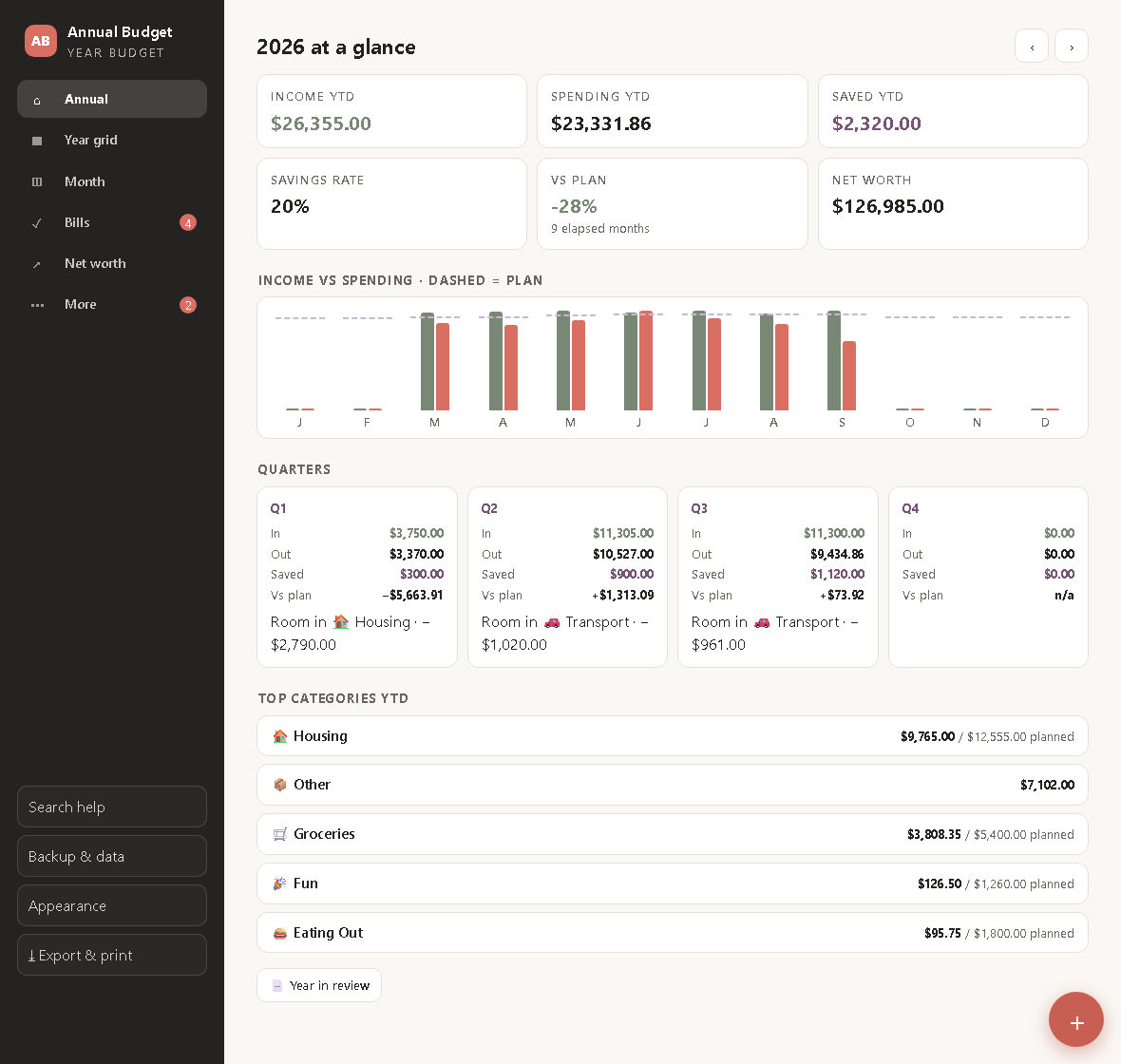
How to Build an Annual Budget (and Actually Use It All Year)
A twelve-month budget in three layers, plan, actual and difference, with the elapsed-month maths that stops the year grid from lying to you in March.