Productivity & ADHD
One Binder for Your Whole Life: Budget, Tasks, Habits and Lists in One Place
Count the apps that run your household: one for money, one for tasks, one for habits, a notes app full of lists, a calendar, and a document somewhere with the insurance numbers. Six places to look, six places to forget to update, and none of them know about each other. The bill you paid in the money app is still a task in the task app. The grocery list is in your notes and the meal plan is in your head.
The old answer to this was a physical binder with tabs. The digital version is the same idea: one file, a few tabs, and the tabs talk to each other.
A home page that answers "what now?"
The binder opens on one screen with the handful of things that matter today: the three tasks in focus, the habits due, how the month is tracking against plan, the next bills, the lists you pinned, and at most one maintenance reminder. Not a dashboard of twenty widgets; a glance.
The rule for the home page is restraint. If it shows everything, it shows nothing. The single most overdue maintenance item is more useful than the list of eleven, because you will do one and ignore eleven.
Quick-add with three destinations
The thing that keeps a binder alive is how quickly something can be put in it. A quick-add that offers three destinations, expense, task or list item, remembers the one you used last, and takes two taps, is fast enough to use in the supermarket queue. Anything slower ends up in your head, and your head is the place things get lost.
Money and tasks that know about each other
The money side of a binder should be a real monthly money engine, not a spending widget: plans with bill floors, accounts and transfers, statement reconciliation, sinking funds, bank import. The task side should be a real task engine: inbox, focus cap, forgiving habits, goals, time blocks.
The binder's extra is the join. A bill can complete its linked task when you mark it paid, so "pay the car insurance" disappears from the list the moment the money moves. A goal can show the progress of a linked fund, so "save for the trip" has a number rather than a feeling. Two systems, one record of what happened.
Lists that reset, and a meal week that shops for you
The grocery list is a list you complete every week and then need again. A one-tap reset clears the ticks and keeps the items, with undo for the tap you regret. The meal week is text, seven days of "what are we eating," and its useful trick is sending the ingredients to the grocery list with duplicates removed, so two recipes that both need onions produce one line, not two.
Print the shopping list for the person who prefers paper. That is often the whole family.
People, numbers, and the clocks
The insurance policy number, the plumber's phone, the vet, the school office, the account you need once a year. A tab for people and numbers means the search ends in the binder instead of in an email archive. Maintenance clocks, the boiler service, the car's MOT, the smoke alarm batteries, count the interval since the last time and raise a hand only when one is due. Only one at a time surfaces, and the chip stays calm.
One export, everything
If it is all in one file, the backup is one file: budget, tasks, habits, lists, people, clocks, everything. And if you came from a standalone budget app or a standalone task app, their backups should import into just their own section of the binder, so nothing you already built is lost.
Where the app comes in
The Life Organizer is this binder. Binder Home with focus tasks, due habits, month versus plan, next bills, pinned lists and one calm maintenance cue; a global quick-add with three destinations that remembers your last choice; the complete Budget Planner money core with bill floors, reversible bill payments, accounts, transfers, reconciliation, sinking funds and bank CSV import; the complete Habit & Task engine with focus-capped tasks, brain-dump triage, forgiving habits, goals, time blocks and a seven-day agenda; checklists with grocery reset and undo, shopping-list print, and a meal week that sends deduplicated ingredients to Groceries; people and numbers plus interval maintenance clocks; bills that complete their linked task and goals that show a linked fund. One JSON export covers everything, and a Budget Planner or Habit & Task backup imports into its own section. It runs offline in one file.
Frequently asked questions
Is one big app slower or more cluttered than several small ones?
Only if the home page tries to show everything. A binder that opens on a glance and keeps each tab focused is faster, because there is one place to look and one place to add.
Can two people in the house use it?
It is one file on one device, so in practice one person keeps it and the household reads the printed lists and the fridge. For shared money with per-person splits, the couples and family budgets are built for that.
What if I only want the money part, or only the tasks?
Then buy that app on its own; the binder is for the one-app person. If you start with one and want the binder later, its backup imports into the matching section.
Keep reading
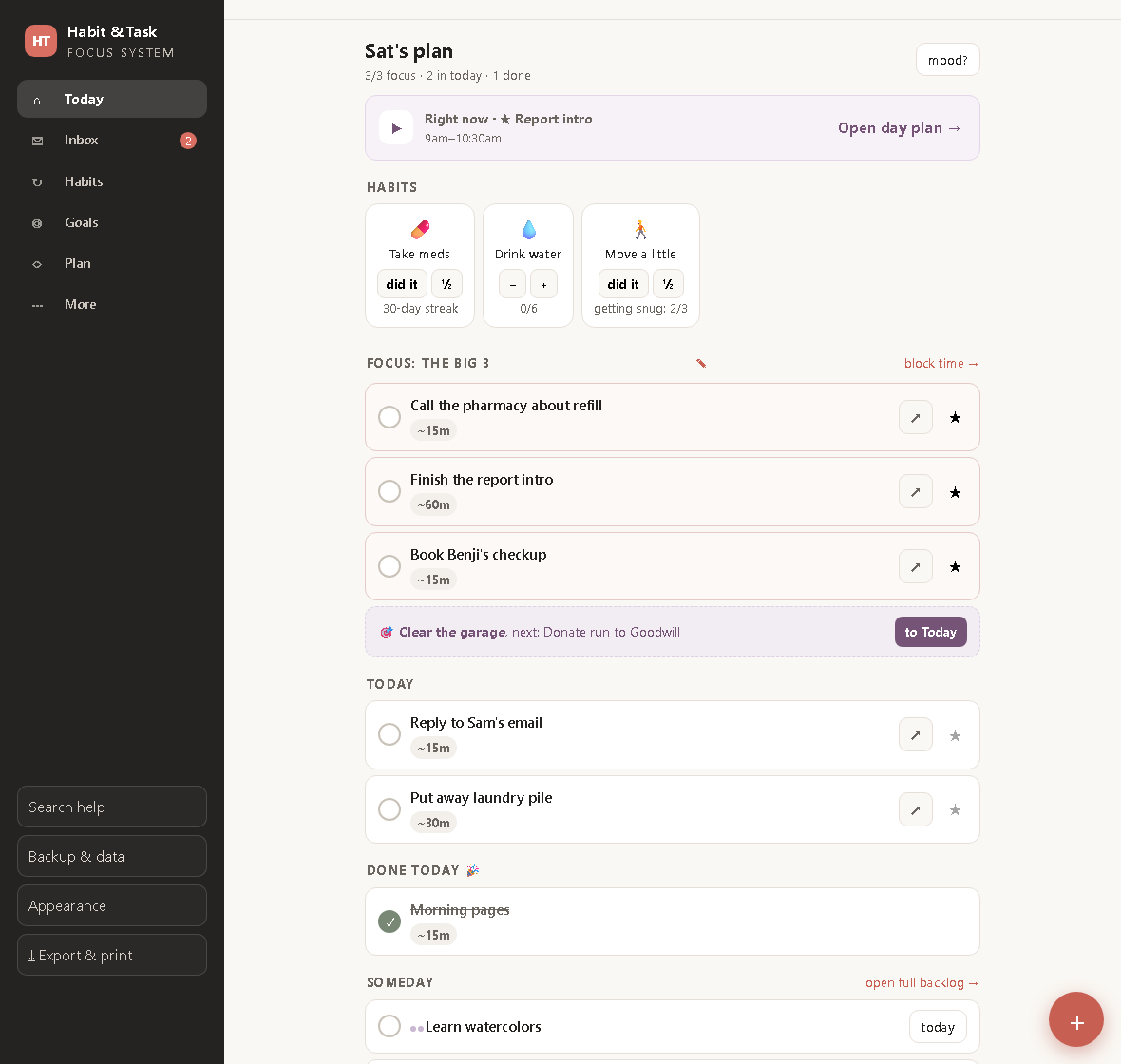
ADHD-Friendly Task Tracking: Fewer Tasks, Clearer Days
Why most to-do apps fail ADHD brains, and a calmer system built on a brain-dump inbox, a hard focus cap of three, and habits that forgive a bad week.
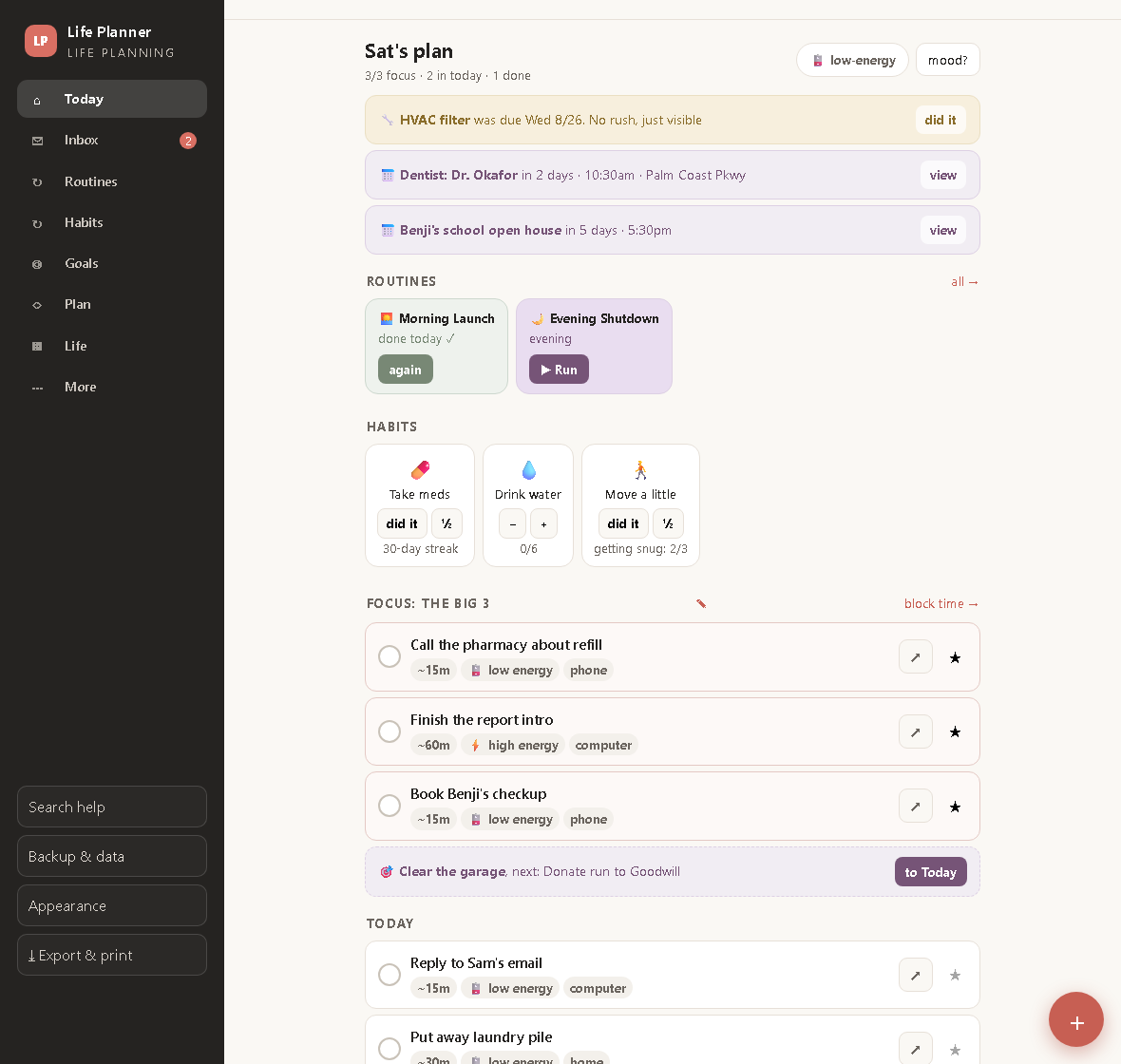
ADHD Routines That Run Themselves: One Step on Screen at a Time
Routine playlists, a low-energy mode, a life-admin binder and an emergency one-pager, so the whole of life gets the same calm treatment as the task list.

The 1-3-5 Method: Plan a Day You Can Actually Run
One must, three shoulds, five coulds, placed into real time blocks. How the 1-3-5 rule works and what a weekly scorecard should measure.