Productivity & ADHD
ADHD-Friendly Task Tracking: Fewer Tasks, Clearer Days
Most task apps are built for people who already finish things. They reward long lists, show every overdue item in red, and treat a missed habit as a broken streak. For an ADHD brain that is not a productivity system, it is a shame machine, and the rational response to a shame machine is to stop opening it.
A system that works with ADHD does three things the standard apps do not: it captures thoughts before they vanish, it limits how much the day is allowed to hold, and it forgives.
Capture first, decide later
The ADHD problem is rarely a lack of ideas. It is that the idea arrives at the wrong moment, gets held in working memory for exactly as long as the next distraction takes to appear, and is gone. So the first job of the system is a place to throw things without deciding anything: an inbox.
The inbox has one rule: putting something in it must take less than five seconds and require no choices. No project, no due date, no priority. Just the words. Deciding is a separate activity that happens later, when there is attention to spare, and at that point the inbox becomes a triage list: today, someday, a date, or drop it. Keyboard shortcuts matter here, because the moment a capture needs a mouse it is already too slow.
A hard cap on Focus
Here is the uncomfortable truth about a long to-do list: it contains every task you will not do today, presented with the same weight as the ones you will. For a brain that struggles to choose, that is paralysing.
So cap it. Three tasks in Focus, and the app should refuse a fourth. Not a suggestion, a wall. Choosing the three is the work; everything else waits in Today or in the backlog without being seen. A soft cap on Today, a few more items, is fine; the hard cap is what makes the morning startable.
At the end of the day, whatever did not happen gets swept: back to the inbox, to tomorrow, or dropped. It does not sit in red. Tomorrow starts clean.
Effort, energy, context
A task is not just words. It has an effort (five minutes or two hours), an energy (can I do this tired?) and a context (needs the laptop, needs to be at home). Tagging these makes the list filterable by the state you are actually in. A low-energy evening with twenty minutes free should show the low-energy twenty-minute tasks, not the whole mountain.
See where the day can fit
Knowing what to do is half the problem; the other half is believing there is time. A seven-day agenda with time blocks, and an assistant that places a task into the earliest gap that fits its effort, turns "I should do that" into "that is at 2 p.m." A visible now line tells you where you are in the day without checking the clock.
Habits with forgiving maths
Streaks break. Life happens. The standard streak counter resets to zero after one missed day, which is precisely the wrong lesson for a brain that already believes one slip means failure.
Forgiving habit maths looks like this: partial credit for a partial day, planned freezes for the days you know will be hard, a repair for a recent gap, and count targets ("three times this week") instead of daily perfection. The completion percentage shows the real maths, so you can see that four out of seven is 57% and not a broken streak. Thirty-five days of history is enough to see a pattern and short enough not to be a judgement.
The weekly reset, without a score
Once a week, five steps: clear the inbox, sweep the backlog, look at the goals, pick next week's habits, and note how the week felt. No grade. The reset is a ritual, saved so you can see that you did it, not a review that awards points.
Where the app comes in
The ADHD Habit & Task Tracker is this system. A brain-dump inbox with keyboard triage, search and age filters; a complete task editor with effort, energy, context, notes, dates and recurrence; a hard Focus cap of three plus a soft Today cap and an end-of-day sweep; a forgiving habit engine with partial credit, freezes, repairs, counts and visible maths; a seven-day agenda with time blocking, a live now line and auto-placement; goals with one-sitting steps; an optional mood log; and a saved five-step weekly reset with no score. No account, no alerts, no cloud, no subscription. It runs offline in your browser with an eight-page guide.
Frequently asked questions
Why three and not five?
Three is small enough to hold in your head without looking. Five is a list again. If three feels too few, the app's soft Today cap holds the overflow without putting it in front of you.
What if I do not use the inbox and just add tasks directly?
That works until a busy day, when the choice of where a task goes becomes the reason it never gets written down. The inbox is for the days when deciding is the hard part.
Is a freeze just cheating on a habit?
No. A freeze is planned in advance for a day you know will be hard, a travel day or a sick day. It says "this day does not count" rather than "I failed this day," and that distinction is what keeps a habit alive across a bad week.
Keep reading
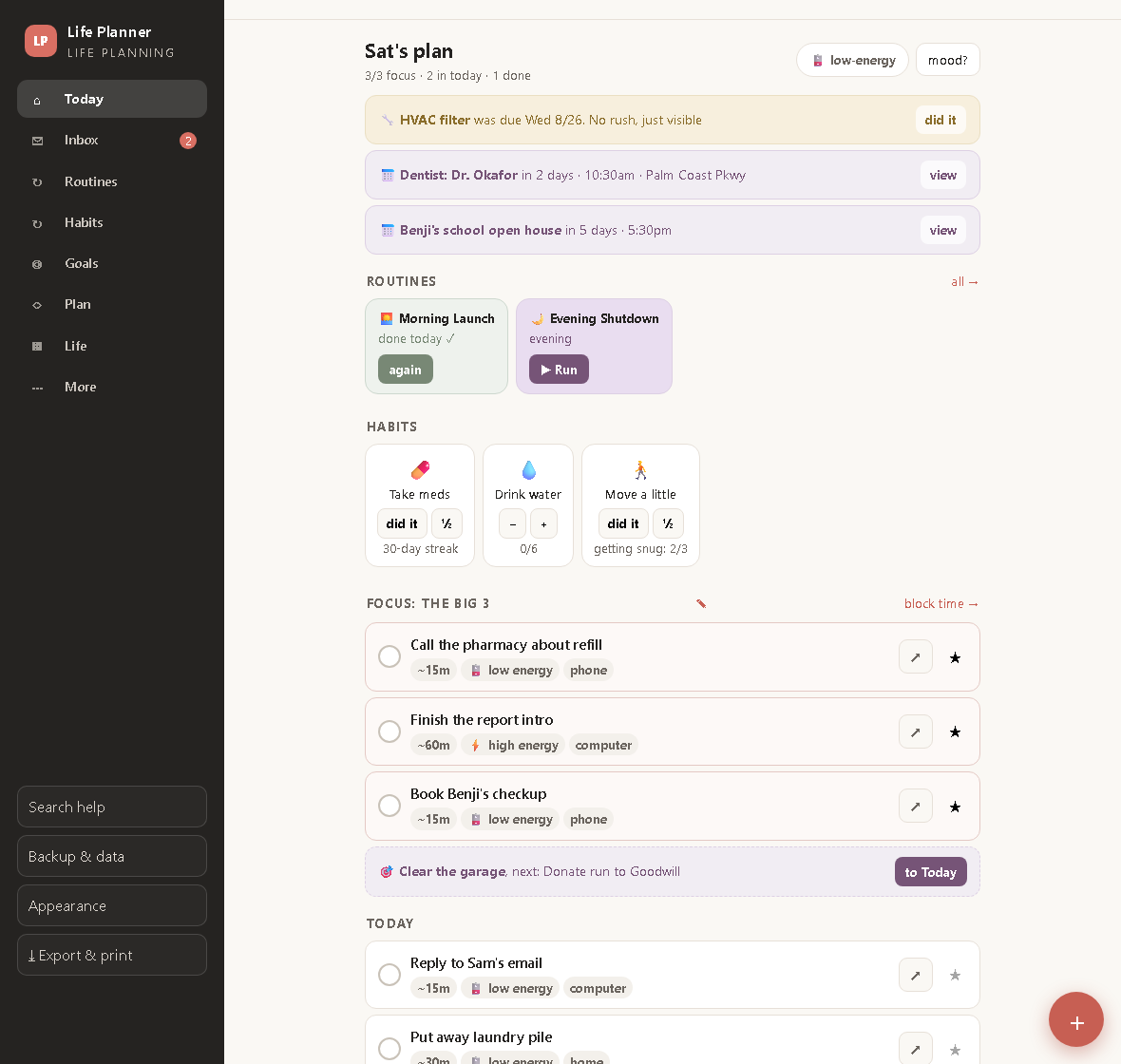
ADHD Routines That Run Themselves: One Step on Screen at a Time
Routine playlists, a low-energy mode, a life-admin binder and an emergency one-pager, so the whole of life gets the same calm treatment as the task list.

The 1-3-5 Method: Plan a Day You Can Actually Run
One must, three shoulds, five coulds, placed into real time blocks. How the 1-3-5 rule works and what a weekly scorecard should measure.
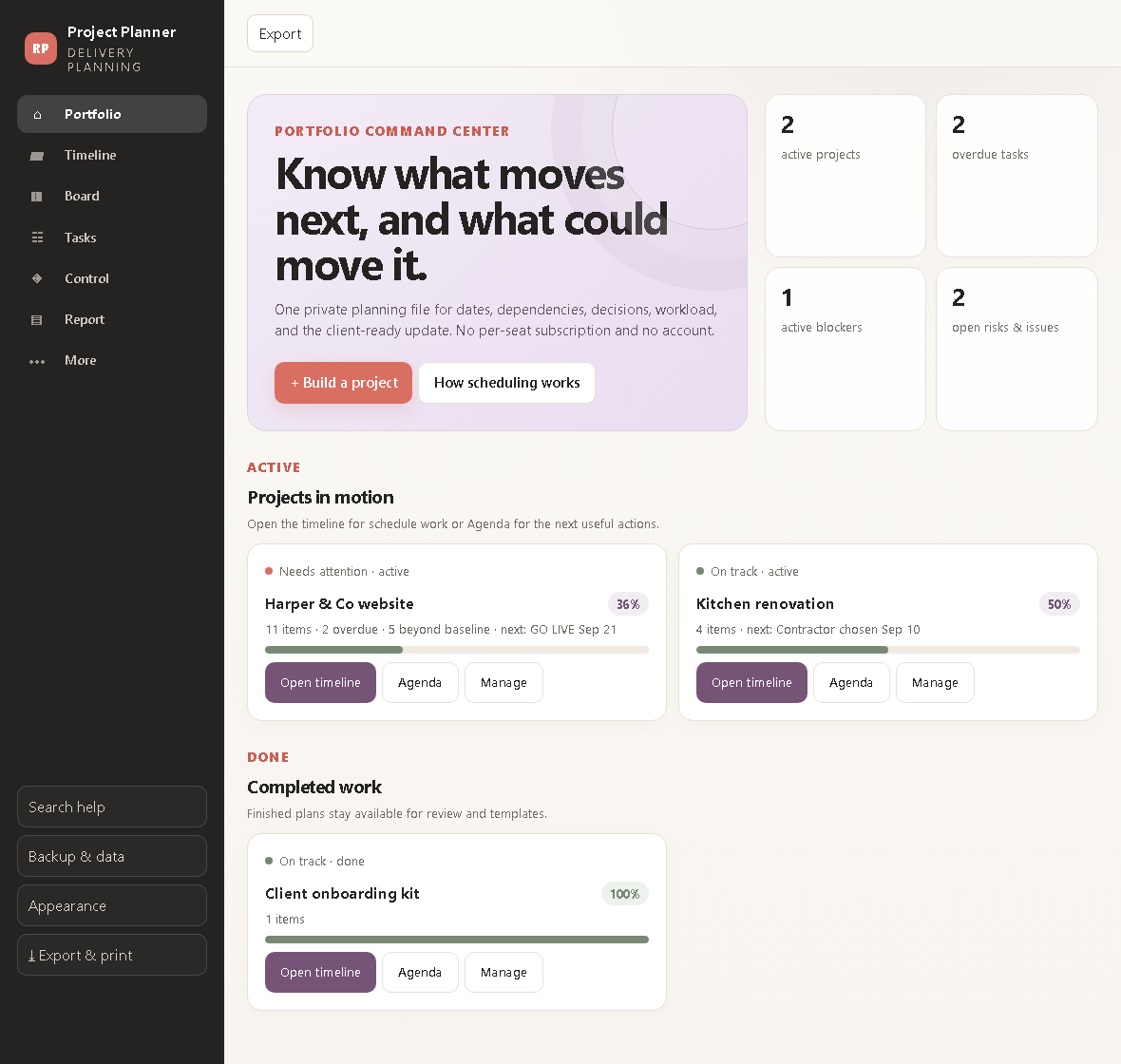
How to Plan a Project Without Losing the Plot
Dependencies, the critical path, a baseline to measure drift against, and a control room for risks and decisions, for one person who has to deliver.