Productivity & ADHD
How to Plan a Project Without Losing the Plot
A renovation, a product launch, a client engagement, a conference. Projects with a date at the end and forty moving parts in the middle. The tools built for them are either a wall of sticky notes that cannot tell you whether you are late, or enterprise software that needs a team to feed it. Most projects are run by one person with a deadline, and that person needs something in between.
Here is what that something has to do.
Tasks with dates are not a plan
A list of tasks with due dates looks like a plan and is not one, because the dates are independent. If the electrician slips a week, nothing tells you that plastering, painting and the move-in date just slipped too. You find out when the painter turns up to a bare wall.
A plan has dependencies: this task cannot start until that one finishes, perhaps with a lag for drying, curing, or someone reviewing. Move one predecessor and everything downstream moves with it. That cascade is the difference between a schedule and a wish list, and it is why the Gantt chart, unfashionable as it is, keeps coming back: it is the only view that shows the cascade.
Two things make dependencies livable. Dates should count workdays, so a two-day task that starts Friday ends Tuesday, not Sunday. And a manual gap you deliberately left, slack you put in on purpose, should survive the cascade rather than being squeezed out when something upstream moves.
The critical path is the deadline's true story
Among all the chains of dependent tasks, one is the longest. That is the critical path, and the project finishes exactly when it does. Every other task has slack: it can slip a little without moving the end date. Critical tasks cannot slip at all.
Knowing which tasks are critical changes where you put your attention. The plumbing being a day late is a problem only if plumbing is on the critical path. If it has a week of slack, it is a note, not an alarm.
Baseline, then measure drift
The day the plan is approved, freeze a copy: the baseline. From then on, the current plan will move, and the interesting number is how far it has moved from what was agreed. A task that was due on the 12th and is now forecast for the 19th is seven days of drift, and showing that beside the task, in the timeline and in the report, is what turns "things feel behind" into "we are seven days behind on these three items."
Without a baseline you only ever see the current plan, which always looks like it was the plan all along.
Three views of one project
The Gantt is for planning. Nobody runs their Tuesday from a Gantt chart. The same project needs a phone-sized agenda of the next thirty days for the person doing the work, a Kanban board for the state of things this week, and a searchable task list with saved filters for "everything assigned to the plumber that is not done." One project, three views, no re-entry.
A control room for everything that is not a task
Projects fail on things that were never tasks: a risk nobody wrote down, an issue that stayed open, a decision that was made in a hallway and forgotten. Keep a register for each: risks with likelihood and impact, active issues with an owner, decisions with the date and the reasoning. Put them beside milestone health, target-date variance and each person's load, and you have a control room: one screen where the exceptions are visible before the status meeting instead of during it.
Capacity belongs here too. A person with six concurrent tasks and a two-task limit is a delay you can see a month early.
The status report writes itself
If the plan, the baseline and the registers are up to date, the client report is a configuration, not a document: which sections, which milestones, which registers, print or PDF. The half-day of Friday reporting becomes ten minutes, and it is more accurate because it comes from the plan rather than from memory of the plan.
Where the app comes in
The Project Planner is this in one offline file: a real workday Gantt with finish-to-start dependencies, lag and cascading auto-shift that preserves manual slack; critical path and schedule slack; an approved baseline with current-versus-baseline drift in the timeline, the task list and the report; portfolio, a phone-first thirty-day agenda, a keyboard-friendly Kanban board and searchable tasks with saved filters and bulk updates; milestone health plus risk, issue and decision registers; per-person concurrent-task capacity with overload warnings; a configurable client-ready status report with print or PDF; four built-in templates and reusable custom ones; and JSON backup with task and register CSV exports. It is one planner-in-chief file: no live sync, no account, no project data leaving the browser.
Frequently asked questions
Is a Gantt chart overkill for a home renovation?
The chart is not the point; the dependencies are. A renovation is the classic case of one trade waiting on another, and a plan that cascades when the electrician slips is exactly what stops the painter arriving early.
What if I work with a team?
The file is honest about being one person's plan. Team members are labels for assignment and capacity, and the status report is how the team sees it. If you need live multi-user editing, this is not that tool.
When should I re-baseline?
When the scope genuinely changes and the client agrees to a new plan. Re-baselining to hide drift defeats the purpose; keep the old baseline in the history and start a new one with the reason noted.
Keep reading
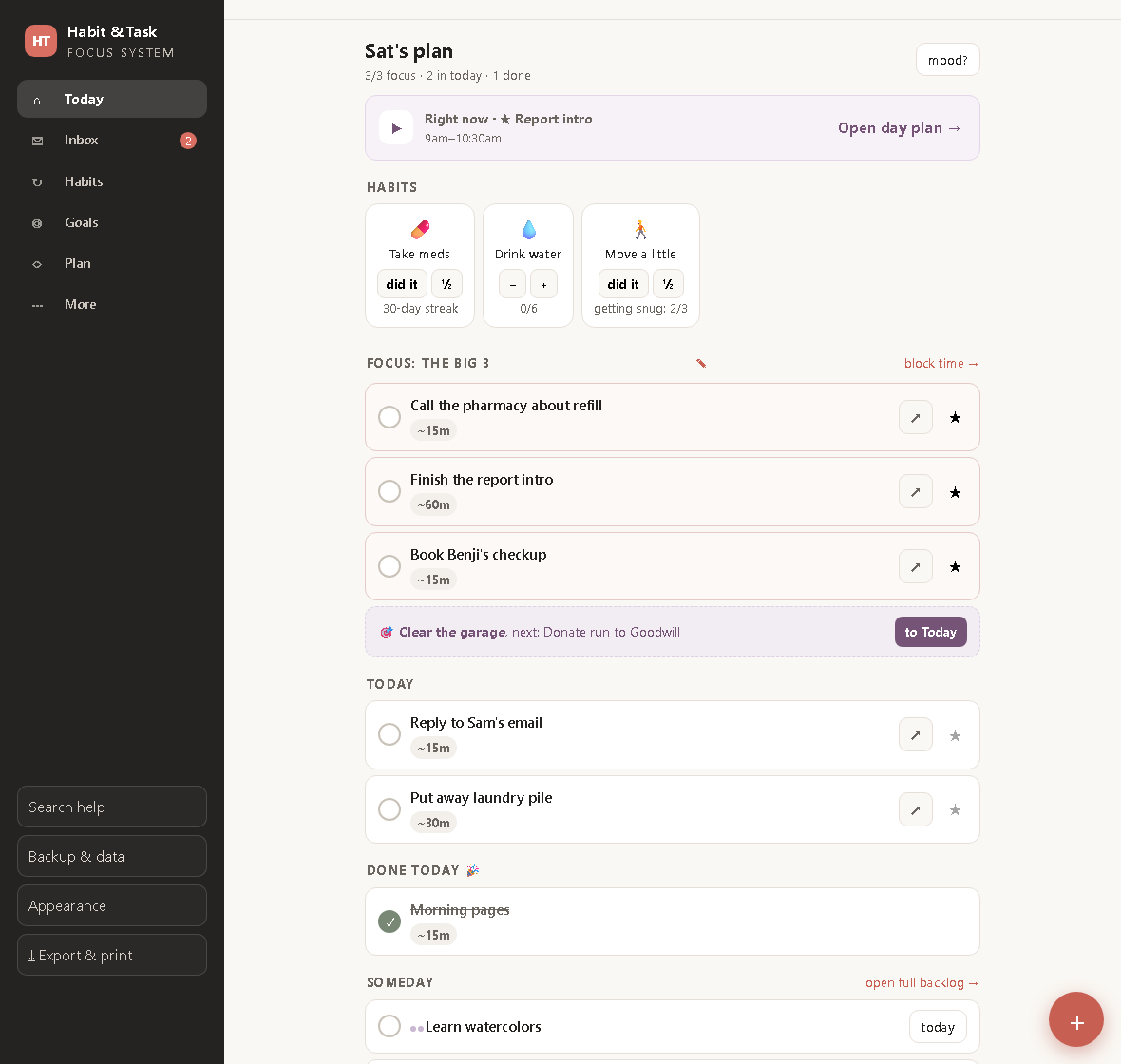
ADHD-Friendly Task Tracking: Fewer Tasks, Clearer Days
Why most to-do apps fail ADHD brains, and a calmer system built on a brain-dump inbox, a hard focus cap of three, and habits that forgive a bad week.
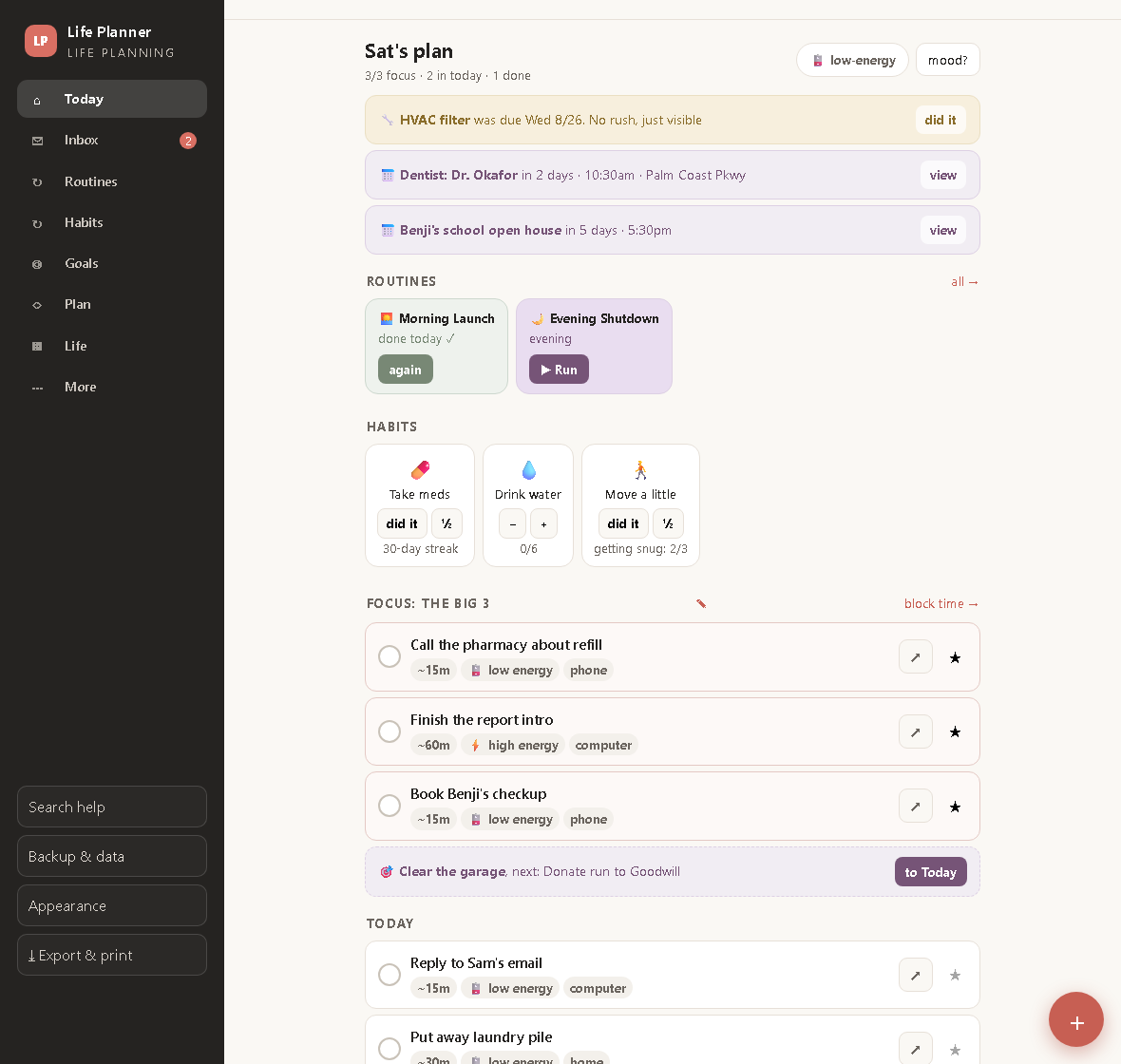
ADHD Routines That Run Themselves: One Step on Screen at a Time
Routine playlists, a low-energy mode, a life-admin binder and an emergency one-pager, so the whole of life gets the same calm treatment as the task list.

The 1-3-5 Method: Plan a Day You Can Actually Run
One must, three shoulds, five coulds, placed into real time blocks. How the 1-3-5 rule works and what a weekly scorecard should measure.